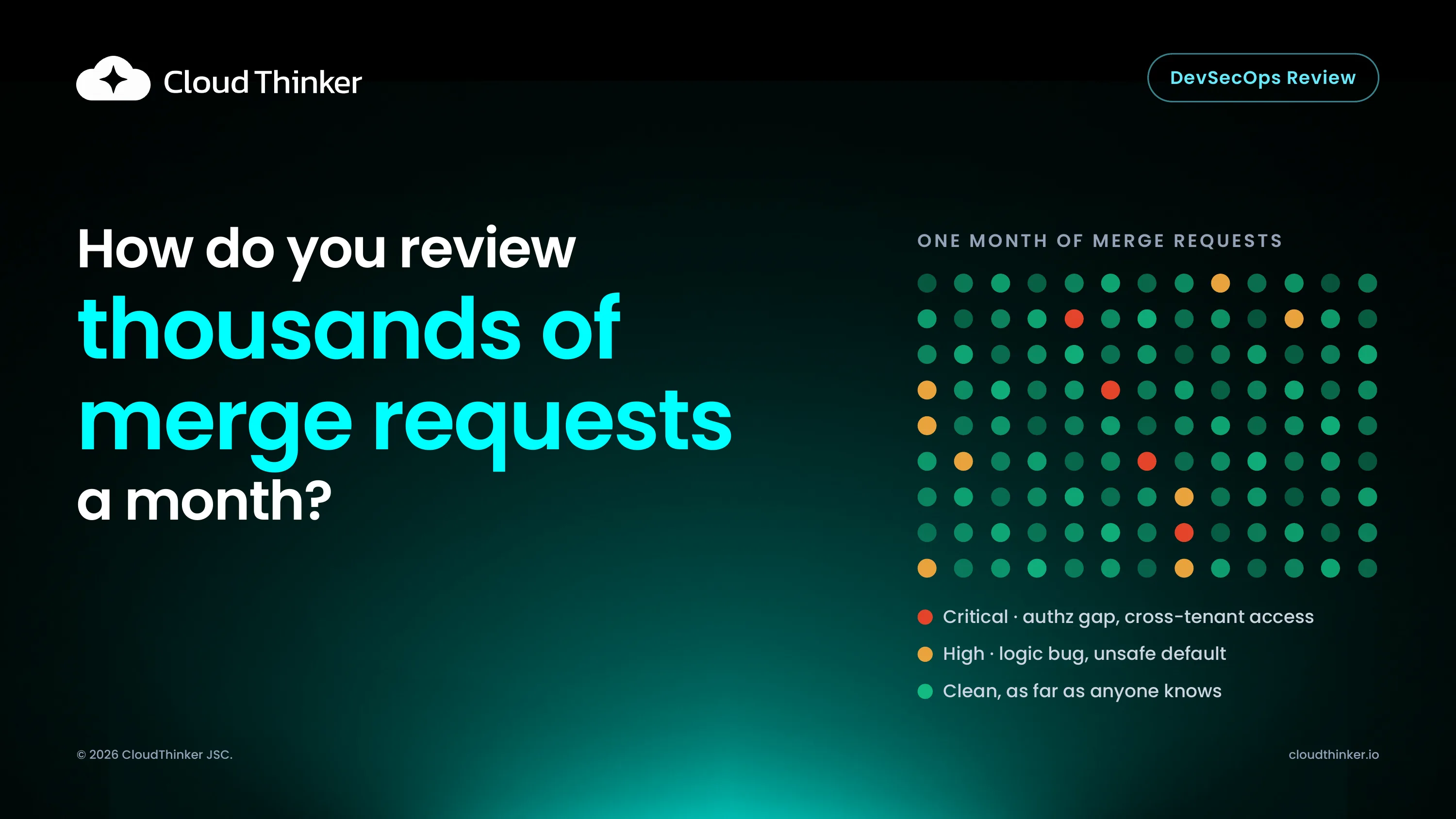
It's Thursday afternoon and the merge request queue has 41 items in it. The senior engineer on review duty opens one that touches 64 files, scrolls the diff, sees tests passing and a familiar author, and approves it in three minutes. CI was green. The security scan runs after merge and adds two findings to a dashboard nobody checks. Six weeks later a customer reports seeing another tenant's invoices. The root cause is a query in that approved MR that filtered by invoice ID but never by tenant.
Most teams that ship through GitHub or GitLab have automated their pipeline. They haven't automated their review. This prescription guide describes a reference architecture for automated code and security review with production context. It follows the format of an AWS solution guide: the problem, the architecture, the components, what it costs, and reference deployments running today. You can read it in full below, or download the PDF to circulate with your team.
Overview
This guidance is for engineering and platform teams that can no longer review every merge request by hand. It deploys two AI reviewers on one agent runtime:
- Review catches logic bugs, always-true conditions, unsafe defaults and convention violations. It traces the full backend logic, not only the changed diff.
- Security Review finds injection, authorization gaps, cross-tenant access, leaked secrets, dependency issues and IaC drift. Every finding ships with an attack path and a safe proof on staging.
Both reviewers read the same production context on every review: runtime signals, cloud and Kubernetes state, incident history, business logic from Jira, and your repo conventions declared as Skills. Findings arrive as merge request comments with severity and proof, a fix PR that gets re-reviewed automatically, and a release gate that passes or blocks in CI.
Why the traditional review pipeline breaks
01Code
No early review
Developers push and wait. Feedback lands days later, out of context.
02Merge request
Senior bottleneck
One reviewer on duty, dozens of MRs waiting, LGTM on 64 files.
03CI checks
Diff only
Linters rank style nits with P0s. Logic bugs pass green.
04Deploy
Late scan
SAST runs after merge into a dashboard nobody owns.
05Production
Customer finds it
A cross-tenant bug surfaces weeks later. Root cause: an approved MR.
In a traditional pipeline, review breaks down at five points:
| Stage | Problem |
|---|---|
| Code | No review before the MR. Developers push and wait. Feedback arrives days later, out of context. |
| Merge request | Senior bottleneck. One reviewer on duty, dozens of MRs waiting. Under pressure, LGTM in 3 minutes on 64 files. |
| CI checks | Linters read the diff only. Style nits ranked with P0s. Logic bugs and always-true conditions pass green. |
| Deploy | Security scan is late and noisy. SAST runs after merge. Findings land in a dashboard nobody owns, with no proof and no fix. |
| Production | The incident is the first signal. A cross-tenant bug is reported by a customer weeks later. Root cause: an approved MR. |
These aren't discipline problems. They're structural:
Human review doesn't scale with volume. Review capacity is a fixed number of senior hours a week. Merge request volume isn't, and AI coding tools have pushed it up sharply. When the queue outgrows the reviewers, review quality drops first and nobody measures it.
Static tools see the diff, not the system. A linter or a SAST rule judges the lines that changed. Whether invoice_id is enough to scope a query depends on how tenancy works in the rest of the codebase, which the diff doesn't contain. That's why the most expensive bugs (authorization, tenancy, business logic) are the ones that pass green.
Late findings have no owner. A finding that arrives after merge competes with feature work and usually loses. A finding without a proof is easy to dismiss as a false positive. A finding without a fix is a ticket, and tickets age.
Conventions live in heads. "Every query on a tenant-scoped table goes through the repository helper" is a rule most teams enforce only when the right reviewer is on duty.
The cost shows up in four places: days in the review queue, senior hours spent rubber-stamping, weeks before a leak is noticed, and manual evidence rebuilt for every audit.
Architecture
01Where it triggers
Pipeline
 MR opened or updatedGitHub or GitLab webhook
- CLI reviewIn the terminal, before the MR
- CI build and deployIaC plan, image, staging
- Release tagFinal gate before production
Nobody has to remember to ask
02Agent runtime
 CloudThinker
- ReviewLogic, conventions, full backend
- Security ReviewAttack path and safe proof on staging
- Skills and MemoryYour standards, past findings
- PolicyWhat may fix, what needs approval
One runtime, two reviewers
03Where it lands
Team
 MR commentSeverity, attack path, proof
- Fix PRRe-reviewed automatically
- Release gatePass or block as a CI status
- Slack, Jira, audit trailEvidence for compliance
Findings, not a dashboard
Where review triggers
Review runs at four points in the release pipeline, so nothing depends on a human remembering to ask:
- MR opened or updated. A GitHub or GitLab webhook starts a review on every merge request.
- CLI review. Developers run a review in the terminal before the MR even exists.
- CI build and deploy. The IaC plan, the image and the staging environment are reviewed as part of the pipeline.
- Release tag. A final gate runs before anything reaches production.
How the runtime handles an event
01Receive
The event
MR webhook, CLI call, CI stage or release tag.
02Load
Skills and Memory
Your conventions, standards and past findings.
03Review
Both reviewers
Review and Security Review cross-reference findings.
04Decide
Apply policy
What may fix on its own, what needs approval, what blocks.
05Record
Post and gate
Comment, fix PR, CI status and an audit entry.
The agent runtime processes every trigger the same way:
- Receive the event.
- Load Skills and Memory: your conventions, standards and past findings.
- Run both reviewers. Review and Security Review cross-reference their findings.
- Apply policy: what may auto-fix, what needs approval, what blocks.
- Post, record and gate.
Where results land
- MR review comment with severity, attack path and proof.
- Fix PR opened, then re-reviewed automatically when it updates the MR.
- Release gate that passes or blocks as a CI status.
- Slack, Jira and an audit trail with evidence ready for compliance.
One merge request, end to end
Here's how the two reviewers handle the opening example. The code is illustrative, written for this guide.
The MR adds an endpoint to download an invoice PDF:
@router.get("/invoices/{invoice_id}/pdf")
def download_invoice(invoice_id: int, user=Depends(current_user)):
    invoice = db.query(Invoice).filter(Invoice.id == invoice_id).first()
    if invoice is None:
        raise HTTPException(status_code=404)
    return render_pdf(invoice)
Tests pass. The linter is happy. A diff-only reviewer has nothing to say. Review starts from hypotheses instead of the diff:
Hypothesis 1: the query is tenant-scoped somewhere else. If true, there's a middleware, a session filter or a repository helper that adds the tenant clause. The reviewer checks the repo for how other handlers read Invoice. Every other handler goes through InvoiceRepository.for_tenant(user.tenant_id). This one doesn't. Hypothesis rejected.
Hypothesis 2: the IDs aren't guessable, so exposure is low. If true, invoice_id would be a UUID. It's an auto-increment integer. Hypothesis rejected.
Hypothesis 3: this is a convention the team has written down. The repo's Skills include "tenant-scoped models are read through their repository helper". It's a convention violation as well as a bug.
Security Review takes the finding and proves it on staging: authenticate as a user in tenant A, request an invoice ID that belongs to tenant B, get a 200 and a PDF. The MR comment carries severity, the attack path, the request that reproduced it and the convention it breaks. The fix PR is a single line:
invoice = InvoiceRepository.for_tenant(user.tenant_id).get(invoice_id)
The fix PR updates the MR, both reviewers run again, the finding closes, and the release gate goes green. The whole loop happens before a human reviewer opens the MR, so the senior engineer reviews a clean change with a recorded history instead of hunting for the bug.
Solution components
Review agent
Runs on every merge request at $0.12 per MR, and held ~97% precision in the FPT Cloud evaluation. It looks for logic bugs, always-true conditions and unsafe defaults, traces the full backend logic instead of the diff alone, and enforces your conventions declared as Skills. When it finds something, it opens a fix PR and re-reviews it.
Security Review agent
Runs on every release, pre-production. It covers injection, authorization gaps, cross-tenant access, secrets, dependencies and IaC drift. Each finding comes with an attack path and a safe proof on staging. It opens a remediation PR and blocks the release if the finding stays unfixed.
Shared runtime
- Skills Framework: your rules and standards, declared once and applied on every review.
- Memory: incidents and past findings, so the reviewer learns your system over time.
- Policy and approvals: explicit control over what may auto-fix.
- Frontier models: routed per task.
Production context
Both reviewers read the running system on every review: runtime signals, cloud and Kubernetes state, incident history from Resolve, business logic from Jira, and the code and repos themselves. That context is what separates a finding with an attack path from a linter warning. A query that looks fine in isolation looks different when the reviewer knows the table holds data for every tenant.
Who merges the fix
The reviewers never merge on their own authority unless you've said they may. They act within Auto Mode, so you decide which fixes (a dependency bump within a minor version, a missing tenant filter with a known helper, a secret moved to the vault reference) are pushed on their own and which wait for a named reviewer.
The release gate works the same way. Start Security Review in report-only mode, read what it would have blocked for a few weeks, then let it block once you trust the signal. That switch is reversible, and every comment, fix, approval and gate decision lands in the audit trail.
Why this beats the traditional pipeline
| Traditional review | CloudThinker review | |
|---|---|---|
| When review happens | When a senior engineer gets to it | On every MR, CLI call, build and release tag |
| What the reviewer reads | The diff | The diff plus the full backend logic and production context |
| Security findings | After merge, in a dashboard | Before merge, with an attack path and a safe proof |
| Fixes | A ticket for later | A fix PR, re-reviewed automatically |
| Conventions | Enforced when the right person reviews | Declared once as Skills, applied every time |
| Audit evidence | Rebuilt by hand for each audit | Recorded as the work happens |
The deeper difference is where review sits. In the traditional pipeline, review is a scarce human resource at one stage and a noisy scanner at another. Here it's a property of the pipeline itself, applied at every stage with the same rules and the same context, and humans spend their time on the decisions that need them.
Cost
Review is priced per merge request: $0.12 per MR. There's no per-seat fee for the reviewer, so cost scales with how much you ship, not with how many people can see the results. Compare that with the current spend: senior engineering hours in the review queue, and incident cost when an approved MR reaches a customer.
Reference deployments
01FPT Cloud, Review
~97% precision
Full backend logic coverage on production merge requests, with 68.6% of verified defects caught at the MR, before human review or QC.
02Diaflow, Security Review
4 weeks
To continuous, auditable SOC 2, HIPAA and GDPR evidence across three regions, with 80% less ops load at 99.9% uptime.
Both reviewers run today on production workloads, on the same stack: one agent runtime, two reviewers, one production context.
FPT Cloud, Review. AI code review on production merge requests at cloud-provider scale. ~97% precision held at scale, full backend logic coverage, 68.6% of all verified defects caught at the merge request before human review or QC testing, and cross-tenant security issues caught before human review.
Diaflow, Security Review. SOC 2, HIPAA and GDPR compliance automated across three regions. Four weeks to continuous, auditable evidence, and 80% less ops load at 99.9% uptime. Findings are remediated in the pipeline instead of a dashboard, and audits read from the running system instead of a spreadsheet.
More published results live at cloudthinker.io/case-studies.
Deploy this guidance
- Connect a repo. Install the GitHub or GitLab integration and open a merge request. The first review lands as an MR comment.
- Declare your conventions as Skills. Feed the reviewer your standards and requirement sources, so findings match how your team actually works.
- Turn on the Security Review gate. Start in report-only mode, then let it block releases once you trust the signal.
- Set policy for auto-fix. Decide which findings the agent may fix on its own and which need an approval.
Once the repo is connected, you can ask in plain language:
"Review the open merge requests on the billing service and list anything that reads a tenant-scoped table without the tenant filter. Propose fixes, merge nothing."
"Here's our convention: every outbound HTTP call goes through the shared client with a timeout. Turn it into a Skill and tell me which MRs from last week would have failed it."
"Run Security Review against the release candidate in report-only mode and show me what you would have blocked, with the proof for each."
Resources
- Download the PDF guide to share internally.
- Read the full FPT Cloud evaluation and the Diaflow compliance sprint.
- Talk to us about running a pilot on your own merge requests.