Choose the Right Model, Optimize Your AI Costs
Your AI agent just spent 1.7x credits on a simple status check. Meanwhile, a complex root cause analysis failed on the cheapest model. Here's how CloudThinker's three-tier system lets you match intelligence to complexity — and save 40%+ without losing quality.
The most common mistake in AI operations isn't using the wrong tool — it's using the right tool at the wrong power setting. Teams default to the most powerful model because "it's safer," burn through credits on simple tasks, then downgrade everything when the budget tightens and wonder why complex analyses fail.
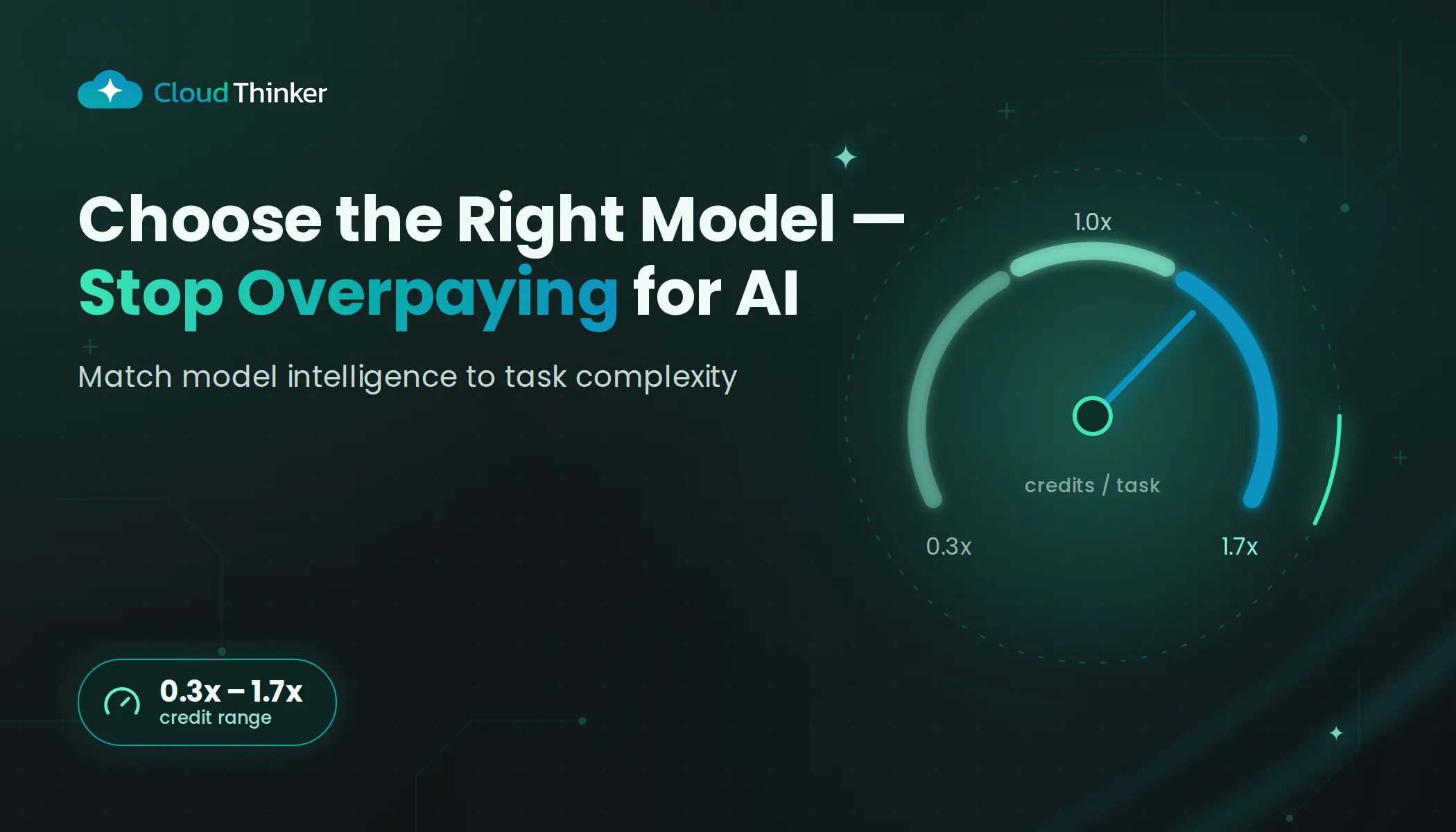
CloudThinker gives you three tiers — Light (0.3x), Pro (1.0x), and Ultra (1.7x). The trick isn't picking one. It's knowing when to use each.
0.3x
Light Credit Multiplier
1.0x
Pro Credit Multiplier
1.7x
Ultra Credit Multiplier
~82%
Potential Savings Light vs Ultra
Three Tiers, One Selector
Select your model tier per-message. Start on Light, escalate to Pro or Ultra when complexity demands it. Credits scale with the multiplier.
The Three Tiers
- >Quick Q&A and lookups
- >Running pre-built Skills
- >Alert triage & classification
- >Simple script generation
- >Status checks & summaries
- >Daily cloud operations
- >Code review & generation
- >Incident investigation
- >Infrastructure analysis
- >Multi-step workflows
- >Complex root cause analysis
- >Architecture design decisions
- >Building new Skills & templates
- >Multi-system debugging
- >Strategic planning & reports
Light handles 55-70% of tasks — anything with clear instructions or pre-built Skills. Pro is your daily driver for code reviews, incident investigations, and multi-step workflows. Ultra is for complex root cause analysis, architecture decisions, and building the Skills that make Light even more capable.
You can switch tiers mid-conversation. The credit multiplier applies per-message, not per-conversation — so you only pay the Ultra premium for the turns that need it.
The Smartest Pattern: Build with Ultra, Run on Light
Here's the insight that separates teams burning credits from teams optimizing them: use Ultra to build Skills, then run those Skills on Light.
Instead of paying 1.7x every time you run a complex workflow, pay 1.7x once to encode it as a Workspace Skill — then run it on Light at 0.3x forever after. After just 3 executions, the Ultra build session pays for itself.
Build with Ultra, Run on Light
Agent reasons from scratch every time on Pro or Ultra
Structured Skill guides Light model — same quality, 5x cheaper
Break-even point: After just 3 executions on Light instead of Pro, the Ultra build session pays for itself. Every execution after that is pure savings.
The best Skill candidates are repeatable (more than once a week), structured (predictable steps), and tool-heavy (specific tools in a specific order). Think: security audits, incident runbooks, deployment checklists, compliance reports.
After 20-30 Skills, the blended cost across all operations drops by 40-60% — with higher consistency, because Skills encode best practices.
Smart Task Routing
The key to optimization is matching task complexity to model tier. Here's our recommended routing based on patterns across hundreds of CloudThinker workspaces:
| Task Type | Recommended Tier | Why | % of Workload |
|---|---|---|---|
| Alert triage | Light (0.3x) | Pattern matching, no deep reasoning needed | ~30% |
| Run existing Skill | Light (0.3x) | Skill has structured steps; model follows instructions | ~25% |
| Code review | Pro (1.0x) | Needs contextual understanding of codebase | ~15% |
| Incident investigation | Pro (1.0x) | Multi-step reasoning with tool use | ~15% |
| Architecture design | Ultra (1.7x) | Complex trade-off analysis, deep reasoning | ~5% |
| Build new Skill | Ultra (1.7x) | Creates reusable template for Light to run later | ~5% |
| Root cause analysis | Ultra (1.7x) | Multi-system correlation, deep investigation | ~5% |
~55% of typical workload runs on Light, ~30% on Pro, ~15% on Ultra. Actual distribution depends on your team's workflows.
Most teams don't use one tier exclusively. The real savings come from the blend:
| Strategy | Credit Cost | Savings vs All-Pro |
|---|---|---|
| All Ultra (1.7x) | 1,700 credits | 70% more expensive |
| All Pro (1.0x) | 1,000 credits | Baseline |
| Smart mix (55% Light + 30% Pro + 15% Ultra) | ~720 credits | 28% savings |
| Optimized (70% Light + 20% Pro + 10% Ultra) | ~580 credits | 42% savings |
Formula: (% Light \u00d7 0.3) + (% Pro \u00d7 1.0) + (% Ultra \u00d7 1.7) = average credit multiplier.
Three Tips to Reduce Costs
1. Default to Light, escalate when needed. Start on Light. If the task is clearly complex, switch to Pro or Ultra. Most teams find 50-70% of tasks never need to escalate.
2. Build Skills for repeatable workflows. Every Skill you build with Ultra and run on Light is a permanent cost reduction. Prioritize high-frequency tasks first.
3. Review your tier distribution monthly. If more than 30% of credits go to Ultra, you likely have Skill candidates hiding in your usage patterns.
The Bottom Line
5.7x
Light vs Ultra Cost difference
70-80%
Tasks suitable for Light model
3-4x
Blended savings With smart routing
$0
Quality loss With Skill distillation
Model selection isn't about finding the "best" model. It's about matching the right model to the right task at the right cost. Build a Skill library with Ultra, run it on Light — turning one-time intelligence into reusable, cost-effective operations.
Ready to Optimize Your AI Costs?
Start your free trial to see model selection in action, or book a demo to learn how Skill distillation can transform your AI cost structure.