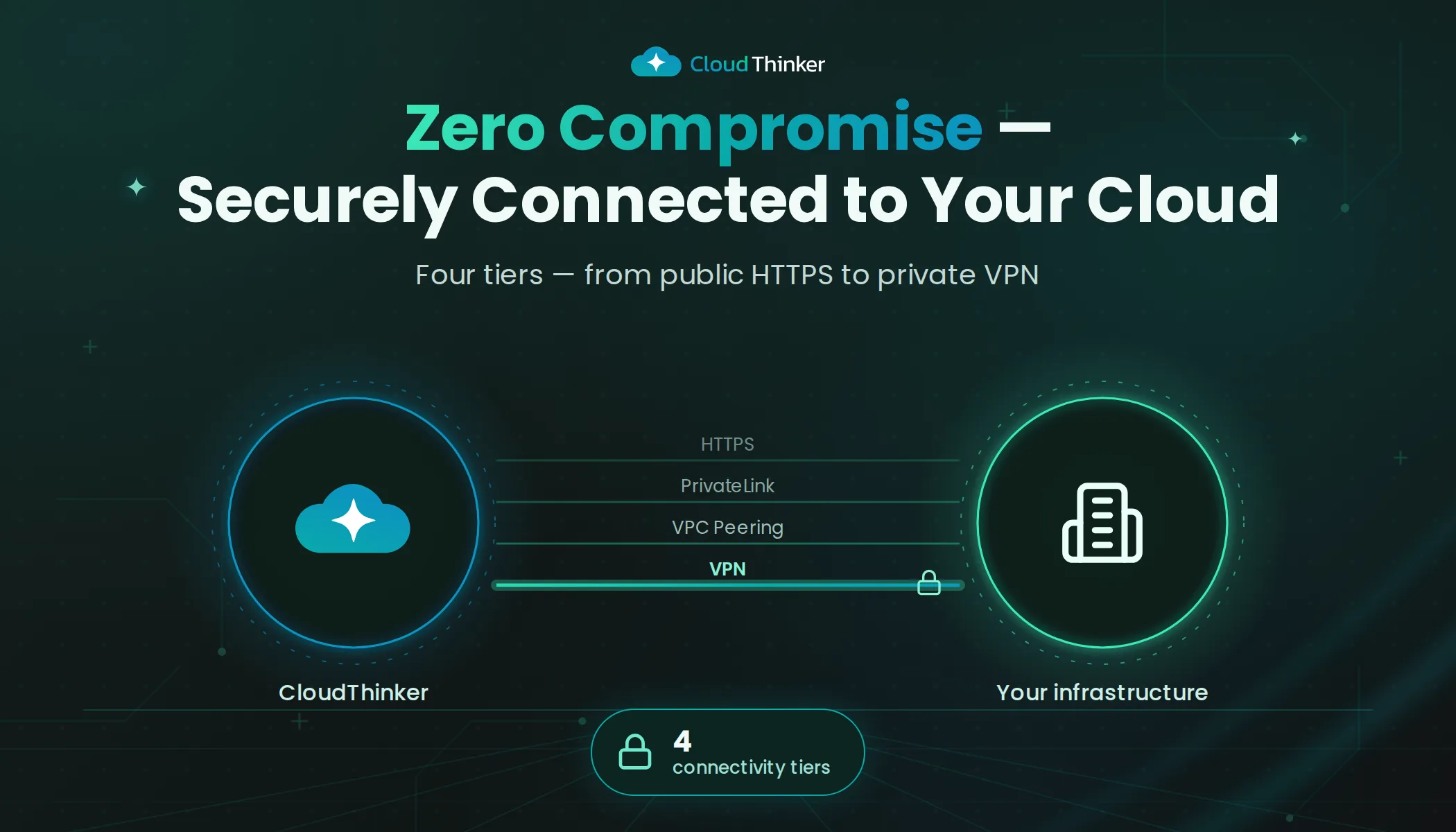
CloudThinker Connections: How We Securely Connect to Your Infrastructure
A technical guide to CloudThinker's connectivity architecture — four network tiers from public HTTPS to private VPN, zero-trust credential management, and enterprise-grade security that lets AI agents operate on your infrastructure without compromising your security posture.
01 — The Connection Problem
AI-powered cloud operations are only as useful as the infrastructure they can reach.
Your databases live inside private subnets. Your Kubernetes clusters sit behind firewalls. Your cloud accounts have strict network policies, IP restrictions, and compliance requirements that took months to implement. You're not going to punch holes in all of that for an AI platform.
This is the fundamental challenge CloudThinker Connections solves. Not just "how do we integrate with AWS" — but how do we reach your infrastructure securely, through your existing network architecture, without asking you to lower your guard.
CloudThinker supports four connectivity tiers — from simple public access to fully private VPN tunnels — so you can connect at the security level your organization requires.
02 — Architecture Overview
Every CloudThinker connection follows the same pattern: an agent invokes a skill, the skill requires infrastructure access, and the connection provides that access through a secure, audited channel.
Network Connectivity Tiers
Four connectivity tiers from public HTTPS to dedicated VPN tunnels, each adding isolation and security guarantees.
The architecture is intentionally simple. CloudThinker doesn't need a persistent connection to your infrastructure. Connections are on-demand — established when an agent needs them, scoped to the minimum required access, and logged at every step.
What varies is the network path between CloudThinker and your infrastructure. That's where the four connectivity tiers come in.
03 — Four Connectivity Tiers
CloudThinker offers four network connectivity options, each designed for different security requirements. You choose the tier that matches your organization's network policies.
Connectivity Tiers
Each tier adds network-level isolation. Dots indicate relative security level. Choose the tier that matches your compliance requirements.
Tier 1: Public (Direct HTTPS)
The simplest option. CloudThinker connects to your infrastructure over the public internet using HTTPS with TLS 1.3 encryption.
Best for:
- Cloud services with public APIs (AWS, GCP, Azure management APIs)
- SaaS tools (Datadog, PagerDuty, Jira, Slack)
- Development and staging environments
- Teams getting started with CloudThinker
How it works: CloudThinker agents make HTTPS requests directly to your service endpoints. All traffic is encrypted in transit. Authentication is handled through standard credentials (API keys, OAuth tokens, IAM roles).
Setup time: Minutes. Enter your credentials, test the connection, done.
Tier 2: Whitelist IP
For organizations that restrict inbound access by source IP, CloudThinker provides a static IP range that you can add to your allowlists.
Best for:
- Databases with IP-based firewall rules
- Infrastructure behind security groups that restrict source IPs
- Organizations with network policies requiring known source addresses
- Compliance requirements that mandate IP-level access control
How it works: CloudThinker routes all outbound traffic through a fixed set of static IP addresses. You add these IPs to your security groups, NACLs, or firewall rules. Traffic is still encrypted with TLS 1.3 — the IP whitelist adds a network-layer gate on top of encryption.
Setup time: Add CloudThinker's IP range to your allowlist, then configure credentials as normal.
To get CloudThinker's static IP range for whitelisting, contact our team. We provide dedicated IP ranges per region to minimize your allowlist surface.
Tier 3: VPC Endpoint (AWS PrivateLink)
For workloads that must never traverse the public internet, CloudThinker supports AWS PrivateLink connectivity. Traffic flows entirely within the AWS network backbone — no public IP addresses, no internet gateway, no NAT.
Best for:
- Production databases in private subnets
- Regulated industries (finance, healthcare, government)
- Organizations with "no public internet" network policies
- Workloads requiring the highest network-level isolation
How it works: CloudThinker exposes a VPC Endpoint Service. You create a VPC Endpoint in your AWS account that connects to CloudThinker's service. All traffic flows over AWS's private network. Your resources never need public IPs or internet access.
What this means in practice:
- Your RDS instance stays in a private subnet with no internet route
- Your EKS cluster doesn't need a public endpoint
- Network traffic never leaves the AWS backbone
- You maintain full control over which VPCs and subnets can connect
Setup time: Typically 30–60 minutes with your network team.
VPC Endpoint connectivity is available for AWS. For GCP (Private Service Connect) and Azure (Private Link), contact our team for availability.
Tier 4: VPN (Site-to-Site)
For organizations with on-premise infrastructure, hybrid cloud deployments, or the strictest network requirements, CloudThinker supports site-to-site VPN tunnels.
Best for:
- On-premise databases and legacy systems
- Hybrid cloud architectures (cloud + data center)
- Organizations with mandatory VPN policies
- Multi-cloud environments requiring unified private connectivity
How it works: CloudThinker establishes an IPsec VPN tunnel between our infrastructure and your network. Traffic is encrypted at the network layer and routed through the tunnel — completely isolated from the public internet. We support standard IKEv2/IPsec with configurable encryption algorithms, DH groups, and PFS.
What this means in practice:
- Your on-premise PostgreSQL server is reachable as if CloudThinker were on your LAN
- Your data center firewall only needs to allow the VPN peer — no broad internet rules
- Multi-cloud environments can be unified through a single VPN hub
- Full network-level encryption independent of application-layer TLS
Setup time: 1–2 hours coordinating with your network team. CloudThinker provides VPN configuration details and assists with tunnel establishment.
Site-to-site VPN requires coordination with CloudThinker's infrastructure team. Contact us to schedule setup.
04 — Security at Every Layer
Regardless of which connectivity tier you choose, every CloudThinker connection enforces the same security principles.
Security Layers (All Tiers)
Every connection, regardless of tier, passes through all five security layers. Each layer operates independently to provide defense in depth.
Read-Only by Default
Every connection starts with read-only access. CloudThinker agents can query your databases, inspect your infrastructure, and analyze your metrics — but they cannot modify, delete, or write unless you explicitly grant write permissions.
This is enforced at the credential level. The IAM role, service account, or database user you provide determines what agents can do. CloudThinker never requests more access than what the skill requires.
Scoped Credentials (Least Privilege)
CloudThinker follows the principle of least privilege rigorously. Each connection uses credentials scoped to the minimum access required:
- AWS: IAM roles with specific policy boundaries — not admin access
- Kubernetes: Service accounts with RBAC limited to target namespaces
- Databases: Database users with SELECT-only grants on specific schemas
- Monitoring: API tokens with read-only dashboard and metric access
When you create a connection, CloudThinker tells you exactly which permissions are needed and why. No hidden scopes, no broad wildcards.
Encrypted Credential Storage
Connection credentials are encrypted at rest using AES-256 and stored in CloudThinker's secure vault. Credentials are:
- Never logged in plaintext — not in audit logs, not in error messages, not in agent traces
- Never shared across organizations or workspaces
- Rotatable at any time — update credentials without reconfiguring skills
- Deletable instantly — revoke a connection and all stored credentials are purged
Sandbox Isolation
Every time an agent uses a connection, the operation runs inside CloudThinker's ephemeral sandbox. The sandbox:
- Boots a fresh microVM for each execution
- Injects credentials only for the duration of the operation
- Destroys all state immediately after execution
- Prevents lateral movement between connections
Even if an agent operation fails or encounters unexpected behavior, the sandbox boundary ensures your credentials and infrastructure remain isolated.
Full Audit Trail
Every connection access is logged with:
- Who — which agent, skill, and user triggered the access
- What — exact API calls, queries, and commands executed
- When — timestamp with millisecond precision
- Where — which connection and target resource
- Result — success/failure, response metadata, execution duration
Audit logs are immutable, tamper-evident, and exportable for compliance review.
05 — Getting Connected in 4 Steps
Setting up a connection takes minutes, not days. The process is the same regardless of which integration you're connecting.
Connection Setup Flow
From service selection to live agent usage in four steps. Each connection is validated before agents can access it.
Step 1: Select a Service
Choose from 50+ supported integrations across cloud providers, databases, infrastructure tools, observability platforms, and collaboration tools:
| Category | Integrations |
|---|---|
| Cloud Providers | AWS, Google Cloud, Azure |
| Databases | PostgreSQL, MySQL, Elasticsearch |
| Infrastructure | Kubernetes (EKS, GKE, AKS), Cloudflare |
| Observability | Grafana, Datadog, Prometheus |
| Collaboration | Slack, Jira, Confluence, PagerDuty |
| Source Control | GitHub, GitLab, Bitbucket |
| Custom | Any MCP-compatible server |
Step 2: Create Credentials
CloudThinker provides step-by-step instructions for creating properly scoped credentials for each service. For AWS, this means an IAM role with a specific trust policy. For Kubernetes, a service account with RBAC bindings. For databases, a read-only user with grants on target schemas.
We tell you exactly what to create and why — no guessing, no over-provisioning.
Step 3: Connect & Validate
Enter your credentials in CloudThinker and run the built-in connection test. The test verifies:
- Network reachability (can we reach your endpoint?)
- Authentication (are the credentials valid?)
- Authorization (do we have the expected permissions?)
- Scope validation (are permissions correctly scoped?)
If anything fails, CloudThinker tells you exactly what went wrong and how to fix it.
Step 4: Agents Activate
Once connected, CloudThinker agents can use skills that target your infrastructure. The connection is available to all agents and skills within your Workspace — scoped by your RBAC configuration.
No additional configuration needed. Your agents now have secure, audited access to your infrastructure.
06 — MCP: Extend Beyond Built-In Connections
For tools and services not covered by CloudThinker's 50+ built-in connectors, the Model Context Protocol (MCP) provides a standardized way to add custom integrations.
MCP servers act as bridges between CloudThinker agents and any API, database, or service. You define the tools, inputs, and outputs — CloudThinker handles orchestration, security, and audit logging.
This means CloudThinker isn't limited to the integrations we've built. If your organization uses internal tools, custom APIs, or niche platforms, MCP lets your agents reach them with the same security guarantees as built-in connections.
07 — Choosing the Right Connectivity Tier
| Public | Whitelist IP | VPC Endpoint | VPN | |
|---|---|---|---|---|
| Network path | Public internet | Public internet (IP-gated) | AWS private network | Encrypted tunnel |
| Setup complexity | Low | Low | Medium | Medium–High |
| Internet exposure | Yes | Yes (restricted) | No | No |
| Best for | SaaS APIs, dev/staging | Databases with IP rules | Production AWS workloads | On-premise, hybrid |
| Compliance | Standard | Standard+ | High (SOC 2, HIPAA) | Highest |
| Latency | Standard | Standard | Low (same-region) | Variable |
Most teams start with Public or Whitelist IP for initial setup and evaluation, then move to VPC Endpoint or VPN for production workloads.
CloudThinker supports mixing tiers within the same organization — use Public for your Datadog integration, VPC Endpoint for your production RDS, and VPN for your on-premise data warehouse. Each connection is independently configured.
08 — What's Next
CloudThinker Connections is the foundation that makes everything else possible. Without secure, reliable access to your infrastructure, AI agents are just chatbots with opinions.
With Connections, your agents can:
- Monitor your infrastructure in real-time through Grafana and Datadog
- Analyze your databases with read-only query access
- Investigate incidents by correlating data across your entire stack
- Optimize your cloud spend by reading cost and usage data directly
- Review code by connecting to GitHub or GitLab repositories
Ready to connect your infrastructure?
→ Read the Connections Guide — Step-by-step setup for every integration
→ Try CloudThinker Free — Connect your first service in minutes
→ Contact Us for VPC / VPN Setup — Enterprise connectivity with dedicated support