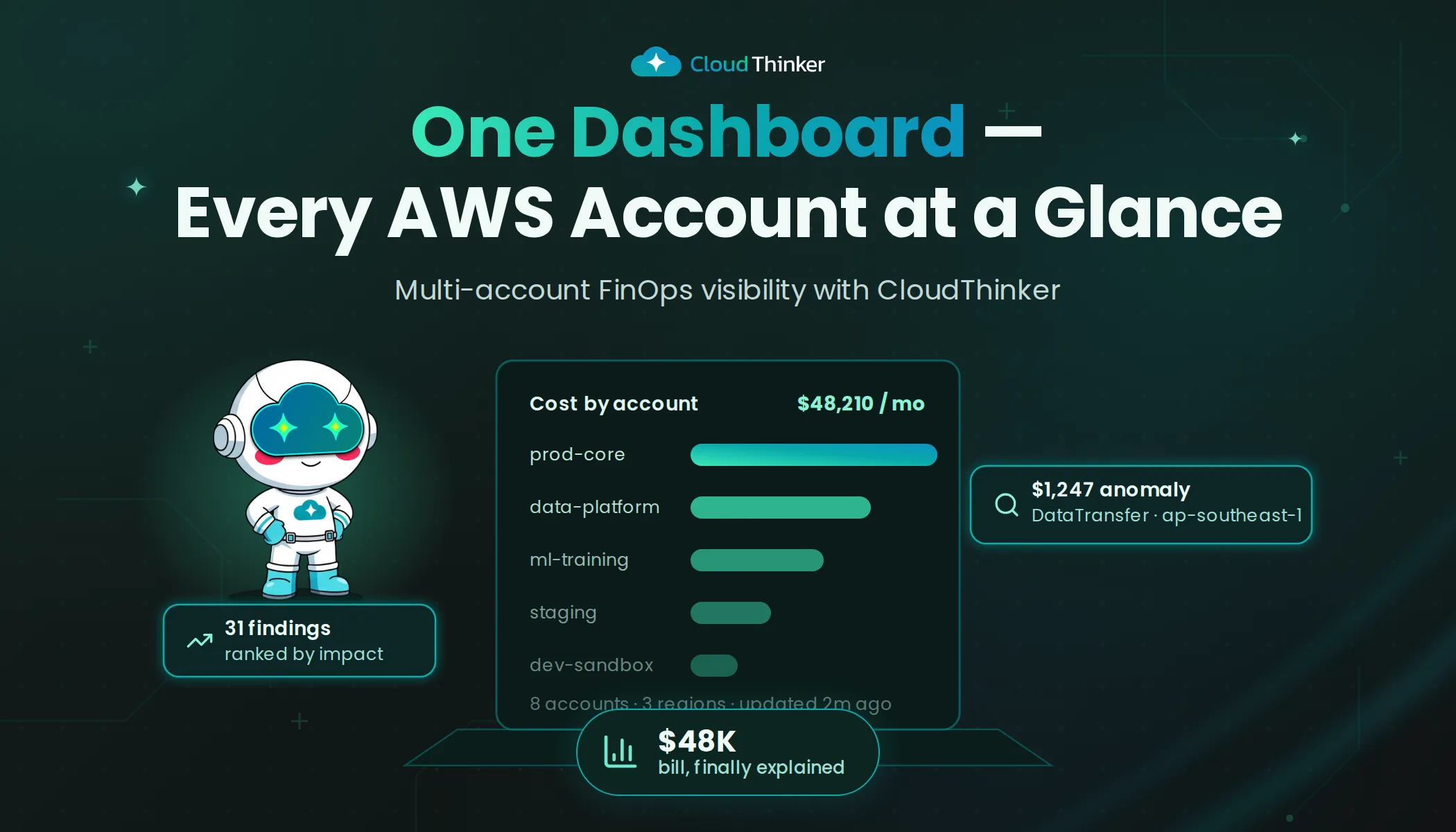
Building a Multi-Account FinOps Dashboard on AWS with CloudThinker
The Slack message arrived at 9:47 AM on a Monday: "Our AWS bill hit $48K. Who owns this?"
It came from the CFO. It was addressed to the VP of Engineering. And it set off a chain reaction that would expose a fundamental problem in how the company managed cloud costs.
Daniel, the VP of Engineering at a Series C fintech we will call Ledgr, stared at the message. He knew the number was high. What he did not know was why it was high, or more specifically, which of their eight AWS accounts was responsible for the increase.
Eight accounts. Eight teams. Eight sets of assumptions about who was spending what. When Daniel forwarded the CFO's message to his team leads, he got eight variations of the same response: "It's not us."
The Visibility Problem
Ledgr's AWS setup was typical for a growing company. Separate accounts for production, staging, data engineering, machine learning, security, and three product teams. Each account had its own billing, its own tagging conventions (or lack thereof), and its own definition of "necessary infrastructure."
Daniel had tried to get a handle on costs before. He set up AWS Cost Explorer dashboards for each account. He asked team leads to review their spending monthly. He even hired a contractor to build a consolidated report.
The result was a monthly PDF that arrived two weeks after the billing period ended, showed aggregate numbers without actionable detail, and was read by approximately no one.
The $48K bill was an 8.2 percent increase over the previous month. Somewhere in the gap between $44.2K and $47.8K, approximately $3,600 in new spending had appeared. Daniel needed to find it, explain it, and present a plan to the CFO by Friday.
The Detective Story of September 15
While Daniel was building his case, CloudThinker's platform was already watching. The company had deployed it two weeks earlier as a trial, connecting all eight AWS accounts through read-only cross-account IAM access.
The platform ingests data from CUR, Cost Explorer APIs, and CloudWatch metrics, normalizing everything into a single analytical layer. The AI analysis, powered by Amazon Bedrock, builds cost baselines and watches for deviations.
Example of how the AI processes a cost analysis prompt:
#dashboard
Build a global FinOps dashboard aggregating AWS usage and cost metrics across all accounts and regions.
Segment by service, tag, environment, and region.
Highlight idle resources, cost anomalies, and underutilized assets.
Include monthly cost forecasts, efficiency trends, and right-sizing recommendations.
The dashboard told a story that spreadsheets never could.
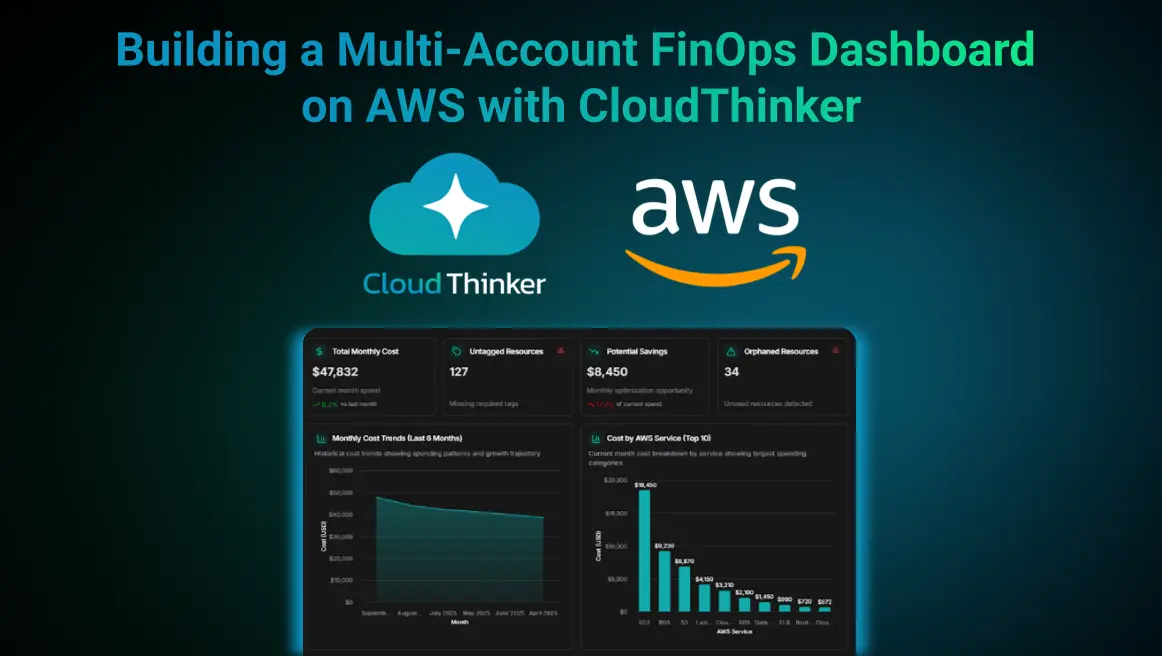
The first thing Daniel noticed was the cost anomaly flagged on September 15: a data-transfer spike of 127 percent, costing $1,247 in a single day. He clicked through to the details. The spike originated from the data engineering account, specifically a cross-region data transfer job that had been misconfigured during a pipeline migration. Data was being copied from us-east-1 to eu-west-1 and back every six hours. Nobody on the data team had noticed because the job was completing successfully.
There were two other anomalies in the same week. A Lambda surge on September 12 that had already been resolved. A new m5.8xlarge instance on September 8 that turned out to be an approved ML training server. The September 15 anomaly was the real problem, and it had been silently running up costs for days before CloudThinker caught it.
What the Dashboard Revealed
With all eight accounts unified in a single view, the full picture emerged:
Key Metrics
- Total Monthly Cost: $47,832 (up 8.2% from last month)
- Potential Savings: $8,450/month (approximately 17.7% optimization opportunity)
- Untagged Resources: 127 resources requiring tag compliance
- Orphaned Resources: 34 unused resources detected
The Cost Breakdown
A 6-month trend showed spending climbing from $38.4K to $47.8K, a trajectory that, if unchecked, would breach $55K within two quarters. The service breakdown was revealing: EC2 accounted for $18.4K, RDS for $9.2K, and S3 for $6.9K. The region analysis showed us-east-1 consuming 59 percent of total spend, a concentration that suggested workloads were not being distributed optimally.
Optimization Opportunities
The platform identified three categories of immediate savings:
- Right-Sizing: 5 EC2 instances flagged for downsizing, potential savings of $874/month
- Orphaned Resources: 34 unused EBS volumes, Elastic IPs, and load balancers costing $313/month
- Tag Compliance: 127 resources across EC2, S3, Lambda, RDS, and EBS without proper cost-allocation tags
The Action Plan
CloudThinker generated four prioritized recommendations:
- Fix the September 15 data-transfer anomaly, a potential misconfiguration costing $1,247 per occurrence
- Implement tag policy enforcement for 127 untagged resources
- Apply right-sizing changes for $874 in monthly savings
- Remove orphaned resources to save $313/month
Total monthly savings potential: approximately $8,450 (17.7%).
Beyond the Dashboard: How It Works
What made this different from Daniel's previous attempts at cost visibility was not just the unified view. It was the intelligence behind it.
Tag Compliance and Orphaned Resources. CloudThinker correlates AWS Config data with tagging policies to enforce cost allocation standards. Resources without Owner, Environment, or CostCenter tags are automatically flagged, making chargeback reporting possible for the first time. Unused EBS volumes and detached Elastic IPs surface as cleanup candidates without anyone needing to hunt for them.
Cost Anomaly Detection. The platform builds baselines from historical CUR data using Bedrock's foundation models. When spending deviates from the pattern, contextual alerts fire within minutes, complete with impacted resource IDs and probable causes. Detection time drops from days or weeks to minutes.
Multi-Region Spend Comparison. Cross-region analytics revealed that Ledgr's 59 percent concentration in us-east-1 was not intentional. Workloads could be redistributed or covered with regional Savings Plans to optimize costs.
Forecasting and Right-Sizing. CloudWatch utilization metrics combined with regression forecasting model next-month spend. The AI engine recommends resizing instances, purchasing savings plans, and scheduling idle shutdowns, all quantified with projected ROI.
Measured Business Impact
| Metric | Before CloudThinker | After CloudThinker |
|---|---|---|
| Visibility coverage | ~40% (manual) | 100% (automated via API) |
| Mean time to detect anomalies | Days to weeks | Minutes |
| Tag compliance accuracy | 70% | > 95% |
| Orphaned resource recovery | None | 3-7% monthly cost savings |
| Forecast accuracy | +/- 20% | +/- 5% |
The Friday Meeting
Daniel walked into the CFO's office on Friday with something he had never had before: a complete answer.
The $48K bill was not a mystery anymore. He could trace $1,247 to a data-transfer misconfiguration (already fixed), $874 to oversized instances (scheduled for rightsizing), $313 to orphaned resources (cleanup in progress), and the remaining increase to legitimate growth in their ML training workloads.
More importantly, he had a forward-looking plan. With CloudThinker's forecasting showing the trajectory toward $55K, he could demonstrate exactly how $8,450 in monthly optimizations would flatten the curve. Tag enforcement across all eight accounts would prevent the "who owns this?" question from ever needing to be asked again.
The CFO's response: "Why didn't we have this six months ago?"
Daniel did not have a good answer for that. But he knew it would not be a question anyone needed to ask again.