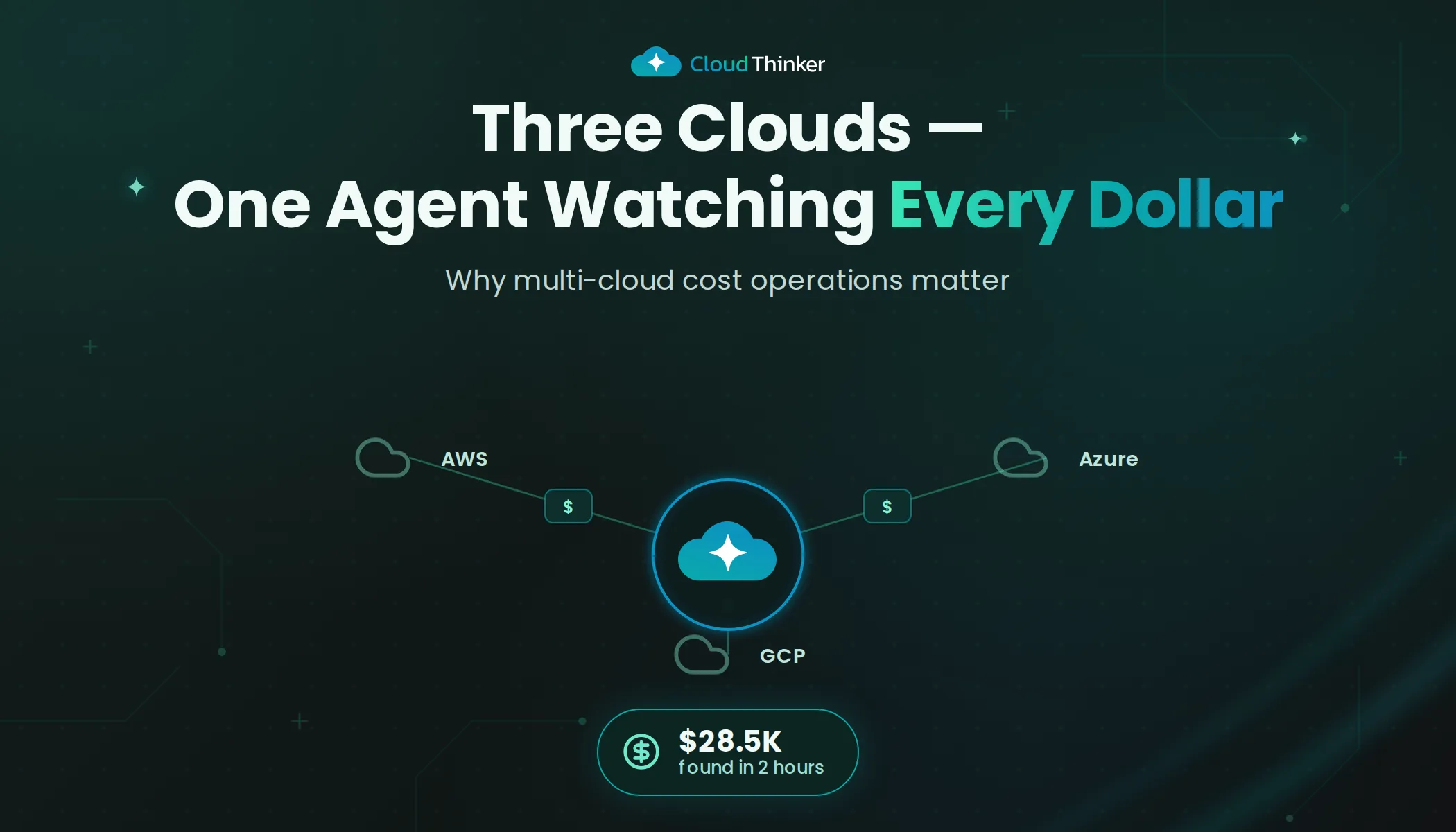
Mastering Multi-Cloud CostOps: Why Multi-Cloud CostOps Matters
Three clouds. Three invoices. Three billing consoles. One frustrated CTO.
That was the reality for a Series B startup we'll call NovaTech. Their CTO, Sarah, opened her laptop every first Monday of the month to the same ritual: pull up the AWS billing console, switch tabs to Azure Cost Management, open a third window for GCP, and start copying numbers into a spreadsheet that had grown to seventeen tabs.
The total last month was $85,000. But that number hid more than it revealed.
"I can tell you we spent $85K," Sarah told her board. "What I can't tell you is why it jumped $12K from last month, or which team is responsible, or whether we're getting any value from the $6,000 we're spending on GPU instances in GCP."
The board did not find this reassuring.
The spreadsheet that broke
Sarah's team had tried to solve this the engineering way. Two sprints, one senior backend developer and a service account per cloud later, they had a homegrown cost dashboard. It pulled data from all three providers, normalized currencies and displayed a unified bar chart.
It worked for exactly six weeks.
Then AWS changed their Cost Explorer API response format. Azure updated their billing export schema. The developer who built the pipeline left for another company. By month three, the dashboard showed numbers no one trusted, and Sarah was back to her spreadsheet.
This is the pattern we see again and again: organizations that run across AWS, Azure and GCP eventually hit a wall where manual tracking and homegrown tools can't keep pace with multi-cloud billing. The waste is large. In Flexera's 2026 State of the Cloud report, respondents estimated that 29 percent of their IaaS and PaaS spend is wasted, up from 27 percent the year before, through overprovisioning, abandoned resources and suboptimal architecture.
Why multi-cloud cost tracking keeps breaking
NovaTech's dashboard didn't fail because the developer was careless. It failed for structural reasons that hit every team that tries this.
Three billing models, three query languages. Each provider exposes cost differently, and none of them agree on what a "service" is. On AWS it's a Cost Explorer call:
aws ce get-cost-and-usage \
  --time-period Start=2026-09-01,End=2026-10-01 \
  --granularity MONTHLY \
  --metrics UnblendedCost \
  --group-by Type=DIMENSION,Key=SERVICE
On Azure, usage comes from the consumption API with its own fields and meter names:
az consumption usage list \
  --start-date 2026-09-01 --end-date 2026-09-30 \
  --query "[].{resource:instanceName, cost:pretaxCost}" -o table
On GCP, it's SQL against the billing export in BigQuery:
SELECT service.description AS service, ROUND(SUM(cost), 2) AS cost
FROM `my-project.billing.gcp_billing_export_v1_XXXXXX`
WHERE invoice.month = '202609'
GROUP BY service
ORDER BY cost DESC;
Three schemas, three ideas of granularity, and each one changes on the provider's schedule, not yours. A pipeline that joins them is a maintenance commitment, not a project.
Tags don't line up. One team tags team=payments, another Team=Payments, and GCP uses labels with their own character rules. "Which team is responsible?" is unanswerable until someone reconciles three tagging conventions by hand.
A dashboard reports. It doesn't investigate. Even a working unified chart shows that spend jumped $12K. Finding out why still means opening the consoles, comparing resource lists and asking around. The chart moves the question, it doesn't answer it.
Nobody owns the gap between clouds. The AWS team watches AWS. Whoever set up GCP for the ML experiment moved on. Waste accumulates fastest in the account nobody checks.
The evolution of cost management
The journey from spreadsheet chaos to intelligent optimization follows a predictable arc:
- Manual tracking: Spreadsheets and monthly bill reviews across providers. This is where most organizations start, and where NovaTech was stuck.
- Basic monitoring: Native cloud tools with siloed alerts. Better than spreadsheets, but each console shows only one piece of the puzzle.
- Advanced tools: Multi-cloud dashboards and unified reporting. This is what NovaTech tried to build in-house.
- Agent-driven CostOps: Agents that predict, investigate and optimize costs across clouds, acting within the limits you set. This is what changed things.
01Stage 1
Manual tracking
Spreadsheets and monthly bill reviews, one console per provider.
02Stage 2
Native tools
Budgets and alerts inside each cloud, each blind to the others.
03Stage 3
Unified dashboard
One chart for three clouds. It reports, then waits for a person.
04Stage 4
Agent-driven CostOps
Investigates anomalies, proposes fixes, acts within your policy.
The gap between stage three and stage four is where most organizations stall. Building a dashboard is an engineering problem. Building something that explains what it sees and acts on it safely is a different problem altogether.
Your AI multi-cloud cost engineer
CloudThinker's cost agent works across AWS, Azure and GCP around the clock. Unlike a dashboard that shows numbers and waits, it keeps analyzing, recommending and, when you've authorized it, carrying out optimizations.
01Billing sources
Three clouds
 AWSCost Explorer, CloudWatch
 AzureCost Management, Azure Monitor
 Google CloudBilling export, Cloud Monitoring
Read-only access to start
02Optimize
 CloudThinker
- NormalizeOne model across providers
- BaselinePer service, region and team
- InvestigateAnomaly to cause
- ProposeFix with savings estimate
Changes gated by Auto Mode
03Where the team works
Chat and tickets
 Slack or TeamsAnomalies and approvals
- JiraOwner-tagged follow-ups
- Board reportsForecasts and spend by team
No new console to check
Here's what happened when NovaTech connected their three cloud accounts.
Within the first hour, CloudThinker completed a full inventory: 340 resources across three providers, 12 regions and 6 teams. By hour two, it had identified 47 optimization opportunities totaling $28,500 in annual savings. But the number that made Sarah sit up was this one: a cluster of GPU instances in GCP that had been running at 3 percent utilization for four months. Cost: $6,200 per month. Purpose: a machine learning experiment that had concluded in January.
"Nobody remembered launching those instances," Sarah said later. "And nobody was checking GCP closely enough to notice they were still running."
One anomaly, end to end
CloudThinker doesn't wait for the monthly bill. It watches spending patterns continuously and builds baselines per service, region and team. When Azure spending in NovaTech's staging environment suddenly jumped 40 percent on a Tuesday afternoon, it flagged the jump within minutes, traced it to a misconfigured autoscaling rule and recommended the fix.
Here's how that kind of trace works. A 40 percent jump in staging has a few readings, and each predicts different evidence:
- Real growth. More load hit staging (a load test, a new integration). Request metrics should rise with the instance count.
- A change to scaling. Someone edited the autoscale profile. Instance count rises while load stays flat, and the activity log shows the edit.
- Something left running. A new resource appeared and nobody turned it off. Cost rises without any change to the existing scale set.
The agent checks rather than guesses. The autoscale setting shows the current profile:
az monitor autoscale show \
  --resource-group staging-rg --name web-autoscale \
  --query "profiles[].capacity"
The activity log shows who changed what, and when:
az monitor activity-log list \
  --resource-group staging-rg --offset 7d \
  --query "[?contains(operationName.value, 'autoscalesettings')].{when:eventTimestamp, who:caller, op:operationName.value}"
In a case like NovaTech's, the request metrics are flat, the instance count stepped up at one moment, and the activity log shows an autoscale edit at that minute. That rules out growth and points at the scaling change. The finding in chat says that plainly, links the evidence and proposes restoring the earlier capacity values.
The old way: that anomaly would have shown up in next month's invoice.
Acting on findings
With the right permissions, the cost agent goes beyond recommendations to action. For NovaTech, that meant:
- Rightsizing 14 EC2 instances that were running at under 10 percent CPU utilization.
- Converting stable workloads to Reserved Instances and Savings Plans across AWS and Azure.
- Scheduling development environments to shut down outside business hours.
- Migrating infrequently accessed S3 data to Intelligent-Tiering, saving 30 percent on storage.
Each change was executed with zero downtime and full rollback capability.
Compute, storage and architecture: where the savings hide
01Compute
Usually largest
Idle and oversized instances, Spot for fault-tolerant work, commitment coverage.
02Storage
Second largest
Tiering, lifecycle policies and the graveyard of old snapshots.
03Architecture
Structural
Replica placement, serverless trade-offs and cross-region transfer.
Compute optimization is typically the largest savings category. CloudThinker analyzes instance utilization across clouds, finding oversized instances and also chances to shift workloads between providers where the pricing favors it. It covers Spot and preemptible instances for fault-tolerant workloads, and reserved instance and commitment optimization that balances coverage against flexibility.
Storage optimization targets the second-largest cost center: automated tiering and lifecycle policies across S3, Azure Blob and GCP Storage, and snapshot cleanup, because every team has a graveyard of "just in case" snapshots that haven't been touched in months. It also looks at cross-cloud placement for data gravity, so data lives close to the compute that needs it.
Architecture optimization addresses the structural waste that no amount of rightsizing can fix. Database placement, because a read replica in a region with no readers is pure waste. Serverless trade-offs, finding workloads where Lambda or Cloud Functions would cost less than always-on compute. CDN and data pipeline efficiency, cutting the cross-region transfer costs that silently inflate bills.
Why this beats the traditional approach
| Spreadsheet | Homegrown dashboard | CloudThinker Optimize | |
|---|---|---|---|
| Data freshness | Monthly, by hand | Daily, until an API changes | Continuous |
| Provider schema changes | Someone re-learns the console | The pipeline breaks | Not your pipeline to fix |
| "Why did it jump?" | Unanswered | Shows the jump, not the cause | Traced to a resource or change |
| Team attribution | Guesswork | Only as good as the tags | Untagged and mismatched spend flagged |
| Acting on savings | A ticket, eventually | A ticket, eventually | Proposed fix, approved in chat |
| Maintenance | One person's Monday | One developer's job | None on your side |
The deeper difference is what happens after the number appears. A spreadsheet and a dashboard both end at "spend went up." Everything after that, the investigation and the fix, was still Sarah's team's job. Optimize starts where the chart stops.
Gated by design
Cost changes touch production, so CloudThinker acts within Auto Mode: you decide what runs on its own, like shutting down dev environments outside business hours, and what waits for approval. Commitment purchases are multi-year decisions, so they're a natural thing to keep behind a named approval.
The board meeting that went differently
Three months after deploying CloudThinker, Sarah walked into her board meeting with a different story. Monthly cloud spend had dropped from $85,000 to $58,000. Every dollar was tagged to a team, a project and a purpose. Anomalies were caught in minutes, not months. And instead of seventeen spreadsheet tabs, she had a single dashboard with forecasts accurate to within 5 percent.
"For the first time," she told the board, "I can tell you not just what we're spending, but whether we're spending it well."
The board found this considerably more reassuring.
Getting started
Connect read-only access to each cloud, then start with questions that change nothing:
"Compare last month's spend across AWS, Azure and GCP by service, and explain the three biggest month-over-month changes."
"Find resources in any of our clouds that have been under 5 percent utilization for 30 days. Show the monthly cost and propose only, change nothing."
"Which spend can't be attributed to a team because of missing or inconsistent tags?"
Related reading
- Introducing CloudThinker Optimize
- Connect a cloud account, see dollar findings in five minutes
- Auto Mode: graduated autonomy with safe defaults
Ready to stop wrestling with multi-cloud bills? Get started with CloudThinker and let it analyze your cloud spending today.