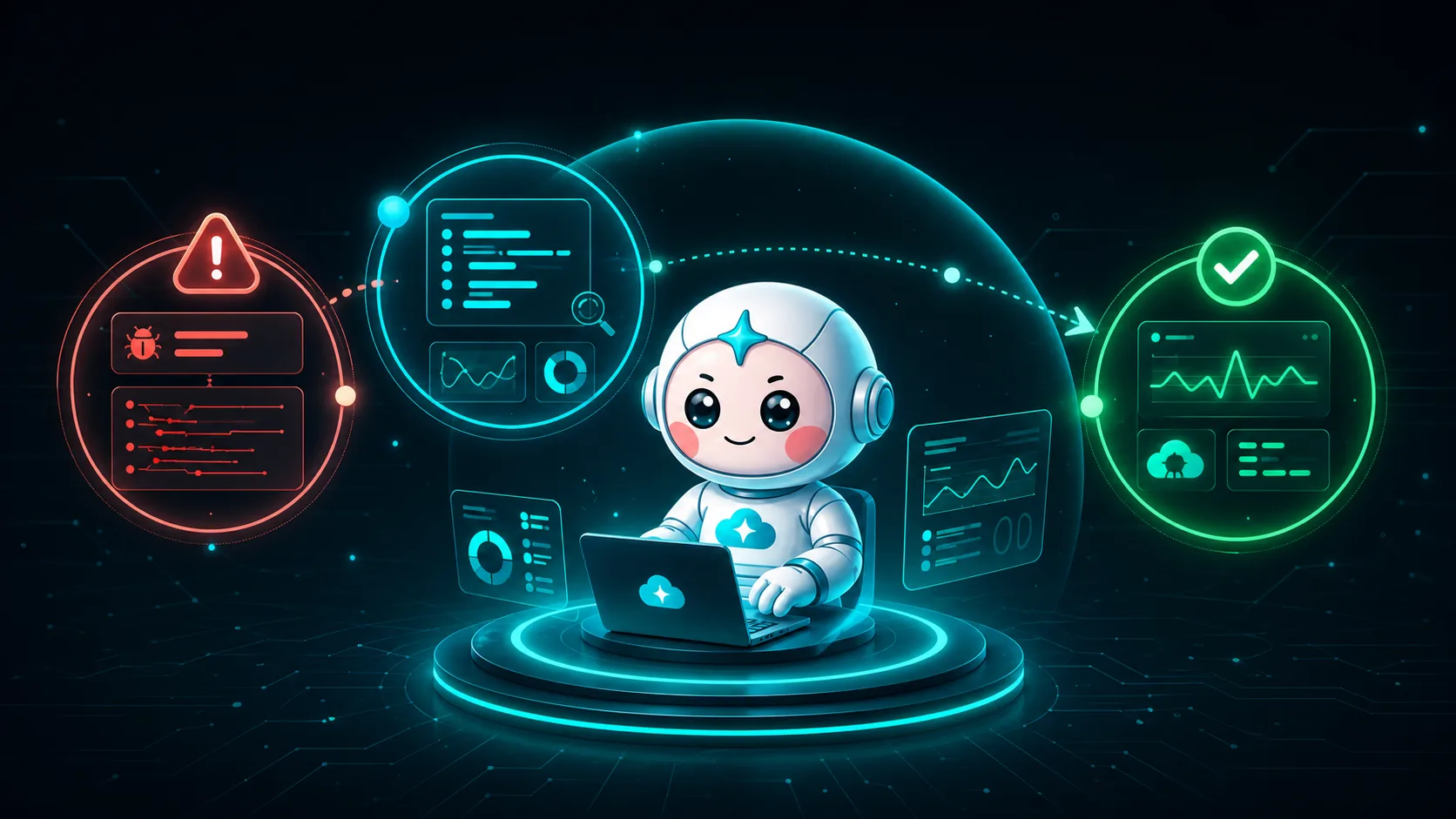
CloudThinker × Rollbar: From Error Detected to Issue Resolved in 3 Steps
A Rollbar Item flips from resolved back to active at 11:14. It's PoolTimeoutError: could not obtain a connection in the checkout service, an Item the team closed two weeks ago. Rollbar has already done its part: grouped the occurrences, counted the affected users, flagged the reactivation and sent it to the channel. Now someone has to decide whether it matters, find what caused it, fix it and confirm it's gone. That part is still a person, and it's where most of the time goes.
The CloudThinker integration closes that gap. It connects Rollbar's error data with the code, infrastructure and delivery context needed to move from an Item was created to the issue is resolved. Here's the workflow in three steps.
01Step 1
Rollbar detects
Groups occurrences into Items with stack trace, version, users and deploy timing.
02Step 2
People investigate
The on-call rebuilds context across Rollbar, Git, CI, cloud and chat.
03Step 3
CloudThinker resolves
Investigation, remediation and verification run as one loop, under your policy.
Step 1: Rollbar shows what is breaking
When an application throws an exception, Rollbar captures more than a notification. It groups related occurrences into an Item and gives the team the technical context to read the signal:
- the exception message and stack trace;
- the affected environment and code version;
- the number of occurrences and affected users;
- when the issue first appeared, reactivated or suddenly spiked;
- the deploy timeline around the first occurrence.
That last one only works if deploys are reported. It's one call from the pipeline after each release, and it's the most useful correlation signal Rollbar has:
curl -s https://api.rollbar.com/api/1/deploy \
  -H "X-Rollbar-Access-Token: $ROLLBAR_POST_SERVER_TOKEN" \
  -H "Content-Type: application/json" \
  -d "{\"environment\": \"production\", \"revision\": \"$GIT_SHA\", \"local_username\": \"ci\"}"
With that in place, the team finds production errors before they turn into support tickets. Instead of searching logs after a user complains, they see a new regression minutes after a deploy and get a sense of its blast radius.
Rollbar answers the first question: what is failing, and how serious is it? Visibility isn't resolution, though. The Item still needs an engineer to turn the evidence into action.
Step 2: The traditional fix is a manual investigation across tools
Without an automation layer, a new Rollbar Item usually starts a familiar sequence:
- The on-call engineer opens the Item and reads the stack trace.
- They check whether the error is new, reactivated or just noise.
- They compare the first occurrence with recent deploys and code changes.
- They open the repository, inspect the suspect commit and try to reproduce the failure.
- They check cloud metrics, logs, dependencies and configuration to rule out infrastructure.
- They create a branch, write and test a fix, and open a pull or merge request.
- After the deploy, they come back to Rollbar, confirm the occurrence rate has dropped and resolve the Item.
Each step is reasonable. The handoffs between them are the problem, for structural reasons:
Grouping is by signature, not cause. Rollbar fingerprints by exception and stack. A pool timeout in checkout and a 502 at the gateway can be one incident in two Items, and nothing in the grouping says so.
Notification rules route, they don't judge. A rule can send every reactivated Item to a channel. It can't check whether a deploy happened since the last fix or whether the database is saturated.
The evidence lives in five tools. Stack trace in Rollbar, diff in Git, release in CI, metrics in the cloud console, discussion in chat. Each Item means rebuilding the same context under pressure, while lower-priority Items wait.
Closing is manual. Confirming the fix held means remembering to come back. Often nobody does.
The result is a gap between mean time to detect and mean time to resolve. Rollbar makes the first one fast. Human coordination still decides the second.
Step 3: CloudThinker automates the path from Item to verified resolution
01Trigger
New or reactivated
An Item reaches the webhook with its severity and version.
02Investigate
Root cause
Deploys, diff and service telemetry checked against each reading.
03Choose
Safest fix
Rollback, runbook, code patch or a justified triage rule.
04Govern
Auto Mode
Runs on its own or waits for approval, as you decide.
05Close
Verify
Resolved only when occurrences and health return to baseline.
CloudThinker turns the manual checklist into one connected loop. Once Rollbar, the code repository and the relevant cloud environment are connected, a new or reactivated Item can start it automatically.
One reactivated Item, end to end
Back to the pool timeout (details are illustrative).
1. Name the readings. Three fit. A deploy since the last fix reintroduced the bug. The payment provider is slow, so checkout holds connections longer and the pool runs dry. Or the database itself is at its connection limit for reasons outside checkout. Each predicts something different: a regression shows up on a new code_version, a slow dependency shows up as long outbound call times, a saturated database shows up in its own metrics across every client.
2. Check them. The Item and the deploy list come from Rollbar's API. No checkout deploy since the fix two weeks ago, and every occurrence carries the same code_version as last week's healthy traffic, so it isn't a regression. Outbound latency to the payment provider is normal. The database tells a different story:
aws cloudwatch get-metric-statistics \
  --namespace AWS/RDS \
  --metric-name DatabaseConnections \
  --dimensions Name=DBInstanceIdentifier,Value=orders-prod \
  --start-time 2026-07-20T10:30:00Z \
  --end-time 2026-07-20T11:30:00Z \
  --period 60 \
  --statistics Maximum
Connections climb to the instance's limit at 11:12, two minutes before the Item reactivated. The source is a reporting job in another service that was moved into business hours the day before and opens a connection per worker.
3. Choose the safest remediation. This isn't a code bug in checkout, so a checkout MR would be the wrong fix. The proposal is to move the reporting job back to its night window, using the runbook the team already has for that job, and to cap its worker count in a follow-up MR so it can't exhaust the pool again.
01Regression
Rollback or patch
Roll back the release now, or open a focused MR when the fix is small and clear.
02Infrastructure
Runbook
Restart, scale or reschedule, using a runbook the team already approved.
03Dependency
Contain
Retry, circuit-break or fail over, and track the vendor incident.
04Noise
Triage rule
A Rollbar rule with an expiry date and the evidence that justified it.
4. Act within the team's limits. The runbook step goes through Auto Mode, so the team decides whether it runs on its own or waits in chat for approval.
5. Verify. CloudThinker watches the pool-timeout rate and checkout health after the change. The Item is resolved in Rollbar only when the signal is back at baseline and stays there. If it isn't, the investigation reopens with the new evidence or goes to a person.
That's what end-to-end resolution means in practice: investigation, decision, approved remediation and verification run as one lifecycle, and the team decides where the human approval sits.
Why this beats the manual workflow
| Stage | Manual workflow | With CloudThinker |
|---|---|---|
| Detect | Waits for an engineer to notice and open the Item | Rollbar triggers the workflow immediately |
| Investigate | Search across stack traces, deploys, code and cloud tools | Evidence correlated against each possible cause |
| Fix | Reproduce, patch, test or run remediation by hand | Approved runbook runs, or a tested draft change is prepared |
| Govern | Depends on whichever engineer is available | Auto Mode rules applied the same way every time |
| Verify | Someone remembers to check Rollbar after the deploy | Post-change behavior watched until the issue is resolved |
The deeper difference is that the next question depends on the last answer. A rule can't decide that a reactivated Item in checkout is really a database problem caused by another team's job. Investigation can, and that's the step CloudThinker takes off the on-call's plate.
Gated by design
CloudThinker acts within Auto Mode, so you decide what runs on its own and what waits for approval. It never merges code on its own, and every action carries the Item link, the evidence and the reasoning.
The outcome: Rollbar becomes the start of the resolution loop
Rollbar stays the source of truth for production errors. CloudThinker adds the operational layer that carries each actionable Item through investigation, change and verification. For teams, that means:
- shorter time from first occurrence to root cause;
- fewer interruptions for repetitive triage;
- smaller Item backlogs and less alert fatigue;
- safer fixes, with evidence and approval built into the workflow;
- a complete audit trail from the original error to the verified resolution.
The integration doesn't replace Rollbar or the engineering team. Rollbar keeps doing what it's best at, detecting and organizing production errors, while CloudThinker handles the cross-tool work it takes to resolve them.
Dive deeper: the Rollbar automation series
This overview follows the full path from detection to verified resolution. For the implementation details, continue through the three-part series:
- Rollbar Automation Starts With Triage: 5 Signals Worth a Human. Separate new Items, reactivations and occurrence spikes from the noise before automating anything.
- Rollbar Automation with Native Tools: Deploys, RQL, Webhooks. Build the native workflow with deploy tracking, notification rules, RQL, Item statuses and webhooks.
- Rollbar Automation with AI Agents: From Stack Trace to Named Commit. See how CloudThinker correlates Rollbar signals with code and infrastructure context, finds the root cause, and prepares or runs the right remediation.
Get started
Connect Rollbar with read-only access first, add the repository and cloud context for one non-production service, and start read-only:
"For my staging Rollbar project, investigate every new or reactivated Item. Tell me whether it's a regression, an infrastructure issue, a dependency failure or noise, show the evidence, and propose a fix. Propose only, change nothing."
When the team trusts the investigations, let it act on a known runbook:
"For staging only, when a reactivated pool-timeout Item traces back to the reporting job, reschedule the job using our runbook and tell me what you changed."
Read the Rollbar connection guide, explore the full error lifecycle, or try CloudThinker with your next Rollbar Item.